
Owners - What Can I See
Welcome to Part3! As an Owner, you can review and sign documents and view final documents. If your Project requires you to perform additional tasks, you'll need to contact the Prime Consultant and request an update to your permissions.
Reviewing and Signing
If you've received an email request to review and sign, clicking the button in the email will bring you to the document in Part3.
Click the green "Start Signing" button to add your signature.

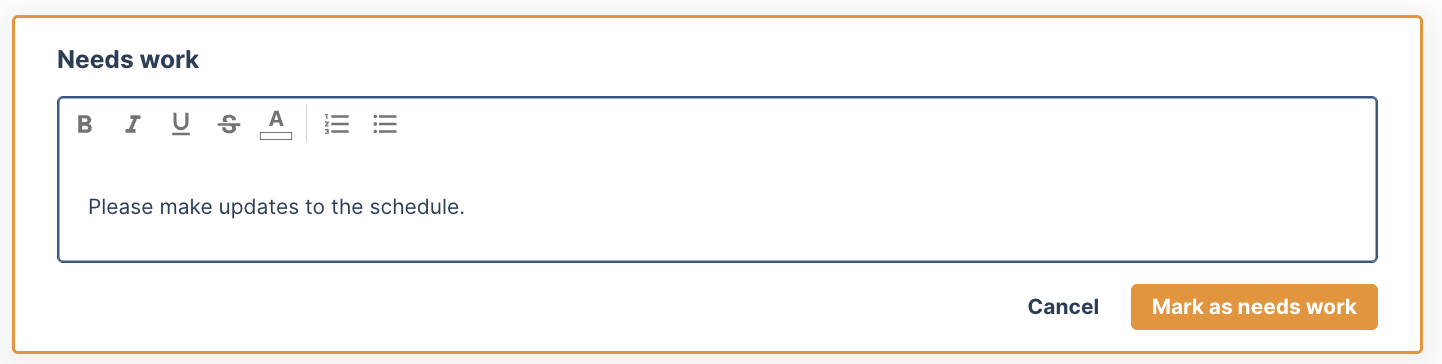
If you feel the document needs work, select 'needs work', add your comments, and send to the prime to adjust before signing, by clicking 'mark as needs work'.
Hop Tip: All individuals applying their signature must have a signature uploaded in Part3 under their account settings. This document walks you through those steps.
The Project Dashboard
The project dashboard holds the project's financials, review periods, consultant performance, and the value and reasons behind changes. Owners don't have access to it by default.
If you need it, contact the Prime Consultant and ask them to grant you dashboard access. They can do this at any time from the project's Dashboard page. Once they have, Dashboard will appear in your project menu.
If you have any questions or see an issue with this document, please contact us at support@part3.io